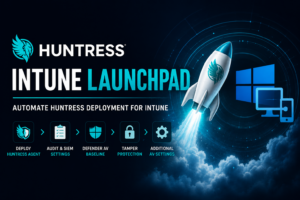
Huntress Intune Launchpad – Automate Huntress Deployment for Intune

If you’re an MSP who leverages Huntress as part of your security stack, you probably have an onboarding procedure to deploy the Huntress agent and related security, AV, and audit settings through Intune (or your RMM). When it comes to app deployment, some of you may be leveraging RMM as your primary tool, which is […]

Huntress Intune Launchpad – Automate Huntress Deployment for Intune Read More »

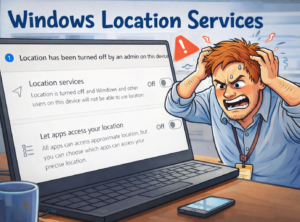
Triple Threat Match: Location Services vs Autopilot vs Intune

Overview This blog covers something that ended up taking wayyyy more time and energy than I thought it would, and taught me that configuring location settings on Windows 11 is far more complicated than you’d think. This all started with a client who told me they couldn’t get location services enabled on their devices. This

Triple Threat Match: Location Services vs Autopilot vs Intune Read More »

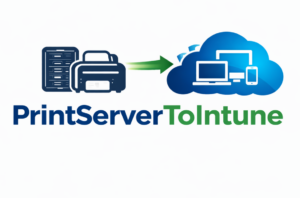
PrintServerToIntune – Migrate Printers to Intune as TCP/IP Connections

Overview As much as I dislike printers, many organizations still rely on them. It often becomes a conversation when converting devices to be cloud-native and managed by Intune. My general recommendation is that if there is a large fleet of printers, use a cloud-based printing solution for managing printers. It will be easier to manage

PrintServerToIntune – Migrate Printers to Intune as TCP/IP Connections Read More »

Auto-logon for Assigned Access and What Breaks It

Many situations have use cases for kiosk-type devices that need more functionality than a single-app kiosk. For those use cases, we steer towards shared devices or multi-app kiosks (now configured using assigned access). Back in the Windows 10 days, there was an actual multi-app kiosk profile template that we could use in Intune, but Microsoft

Auto-logon for Assigned Access and What Breaks It Read More »